How to use the Dice Roller
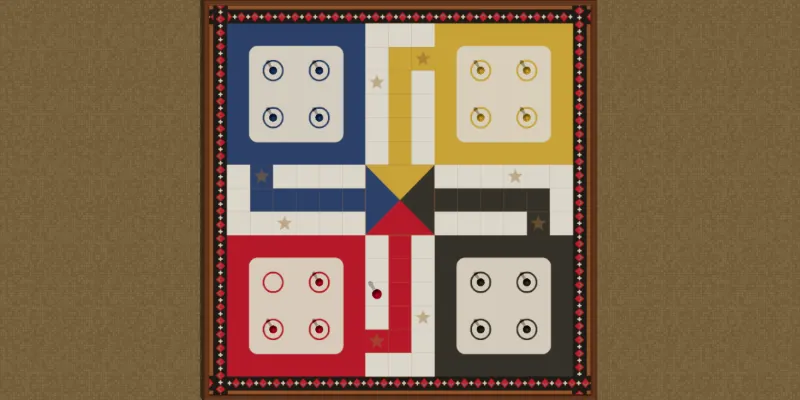
The Dice Roller is a pair of dice on your phone, for the night the Ludo board comes out and its dice do not. Choose how many, tap to roll, and the page gives you the faces, the total and the last ten rolls.
- Players
- Any number
- What you need
- This phone
- How long
- As long as the game
What it is for
Any board game played with ordinary six-sided dice: Ludo, Snakes and Ladders, backgammon, or a game of your own. The phone takes the place of the dice and nothing else, so the board, the pieces and the rules are the table's own.
It needs no account and no signal. Once the page has opened it rolls in a field or on a bus.
Rolling
- Choose how many dice, from one to six. The page remembers it for next time.
- Tap the dice, or press Roll. They tumble for half a second and land.
- On a phone that allows it, turn on Shake to roll and shake the phone instead.
Pass the phone round the table the way you would pass the dice. Everybody rolls on the same page.
What the page tells you
The faces, and the total under them in large type. When every die shows the same face it says so, and with a single die or a mixed roll it names any sixes, which is what a Ludo player is waiting for.
The last ten rolls are listed under the dice, newest first, each with its faces and its total, so a table can settle what was thrown. Clear empties the list.
Are the dice fair?
Yes. Every roll comes from the phone's own cryptographic random number generator, the one it uses to keep connections secure, so each face comes up one time in six and no roll depends on the last.
The tests that check the app roll sixty thousand dice and hold every face to within one per cent of a sixth.
The words
- Double
- Two dice or more all showing the same face. At backgammon a double is played four times.
- Total
- The faces added together, which is how far a piece moves in most games played with two dice.
This is a scorekeeper for a game played with real cards, so there is nothing to set up and nothing to sign in to.